Timed exams, from one link to every result.
Write or import your questions, open a window and share the link. Candidates identify themselves with their student ID and answer one question at a time against the clock. QuizDesk marks what it can and lines up the rest for you.
- No accounts for candidates
- Every answer saved as it changes
- Marks itself, queues the rest
Trusted by students and lecturers at




One exam, start to finish
Writing, scheduling, sitting and marking happen in the same place. These are the real screens.
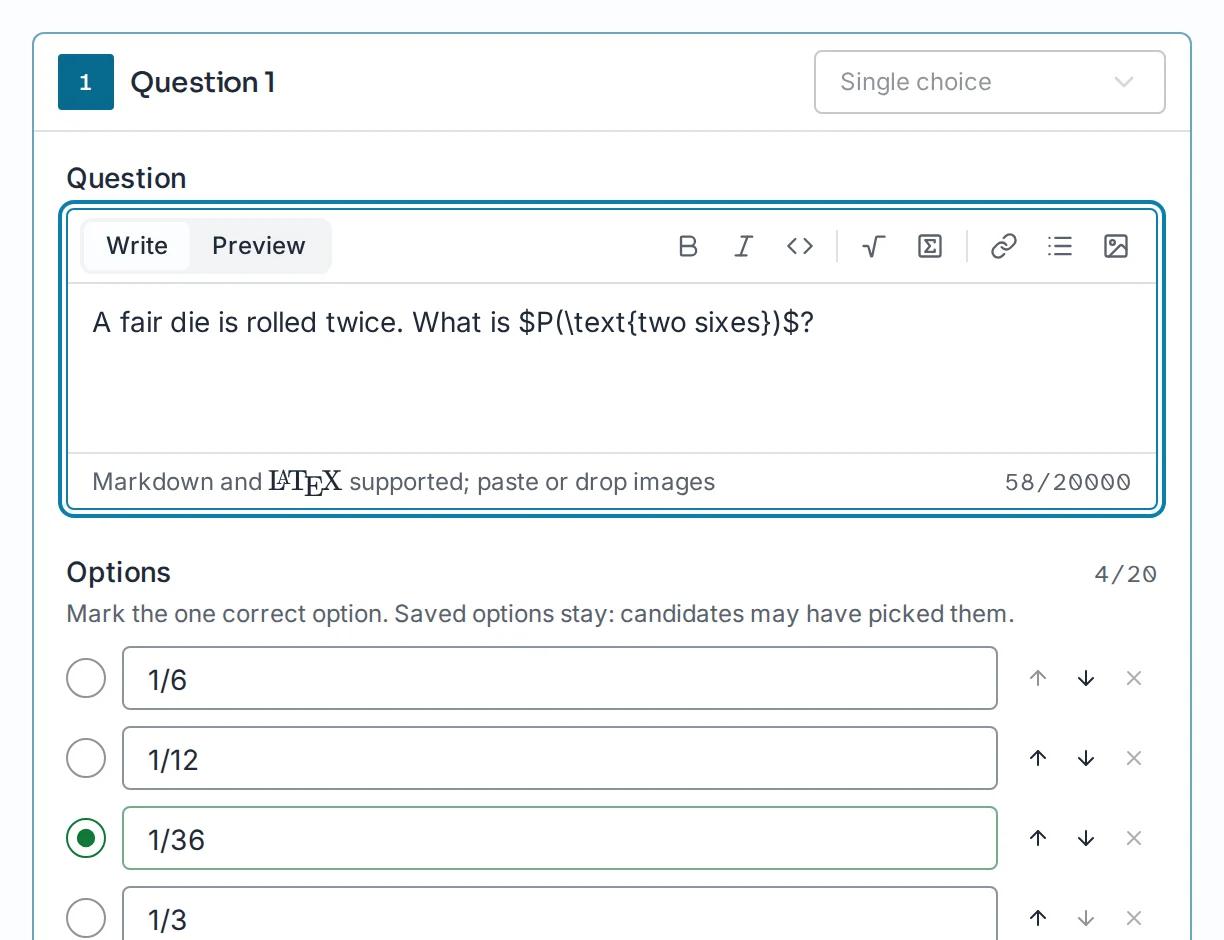
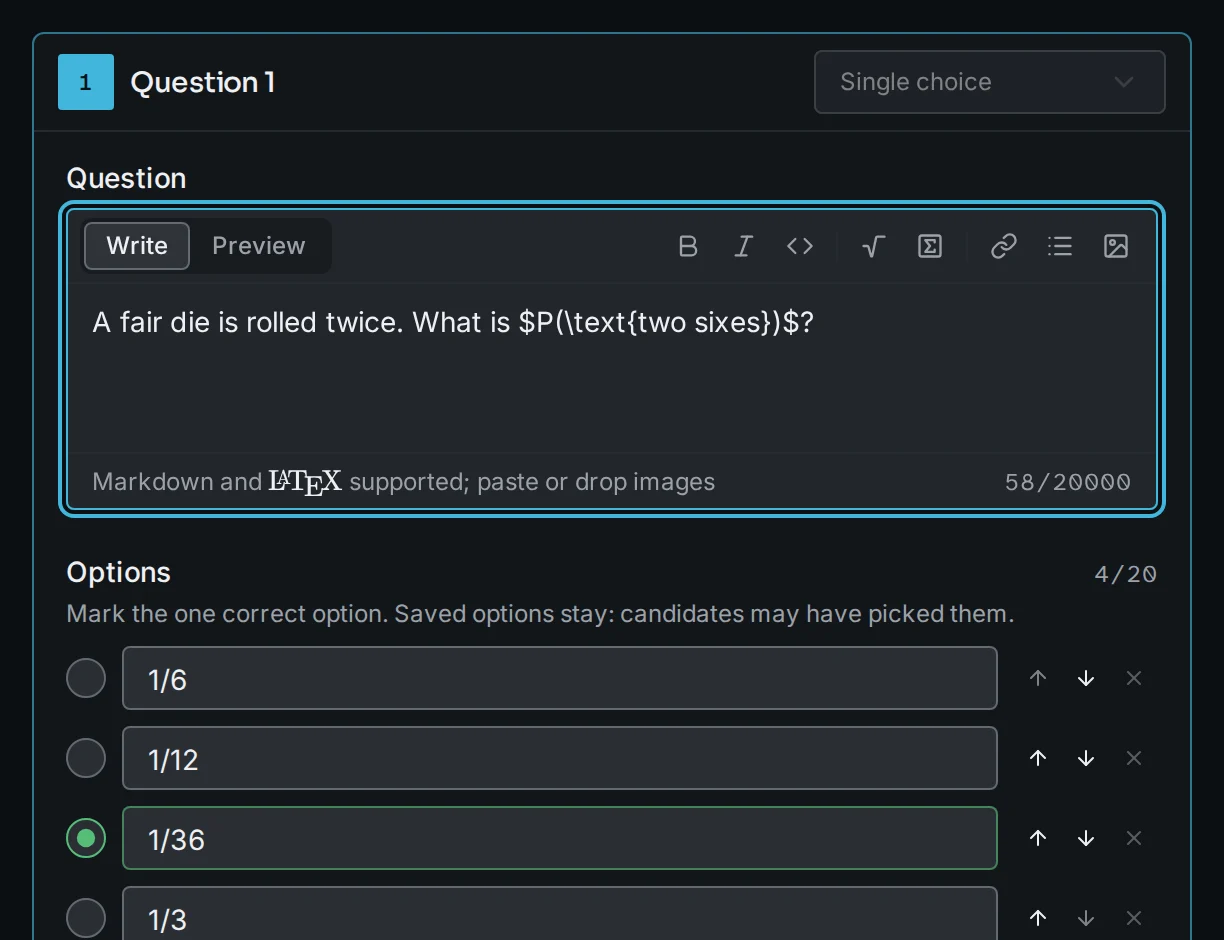
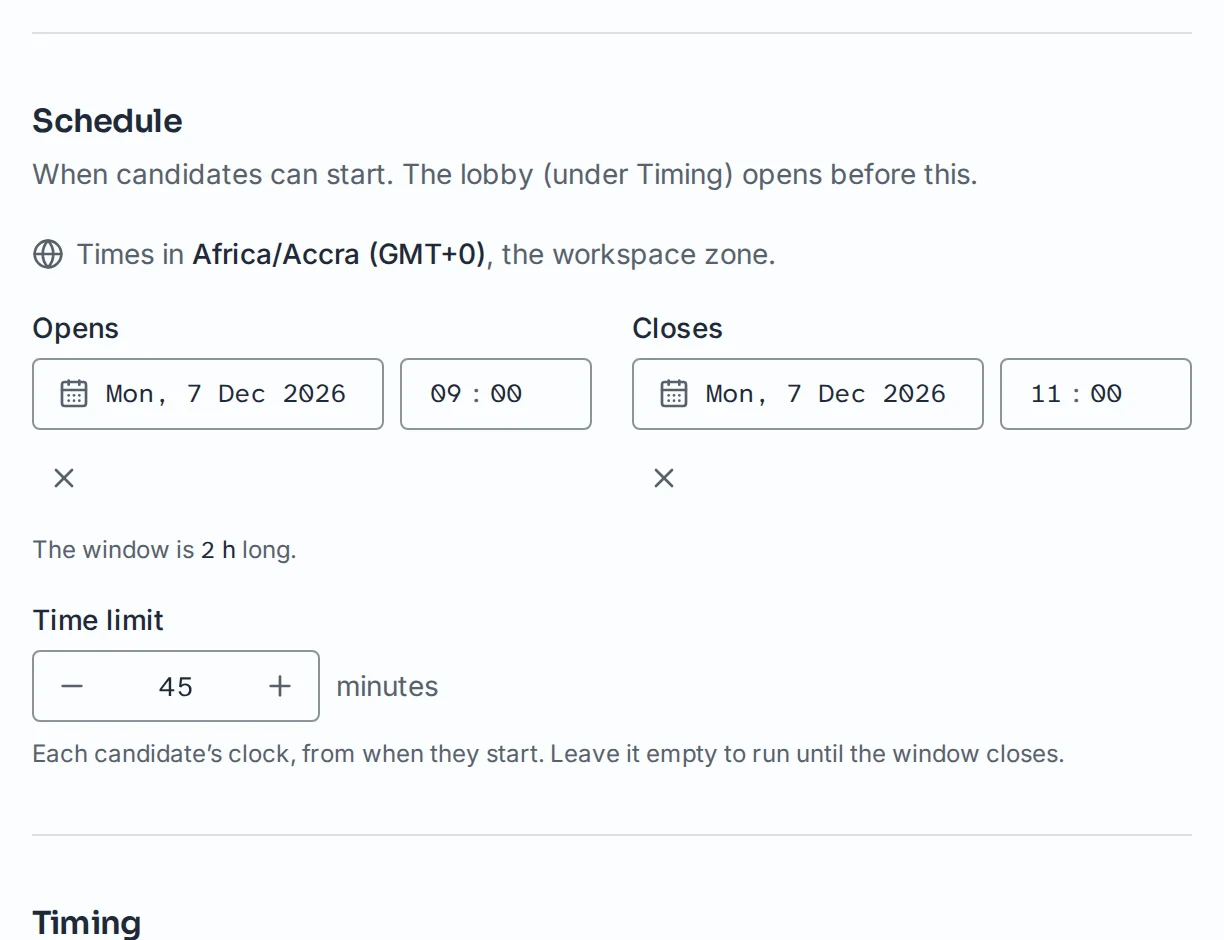
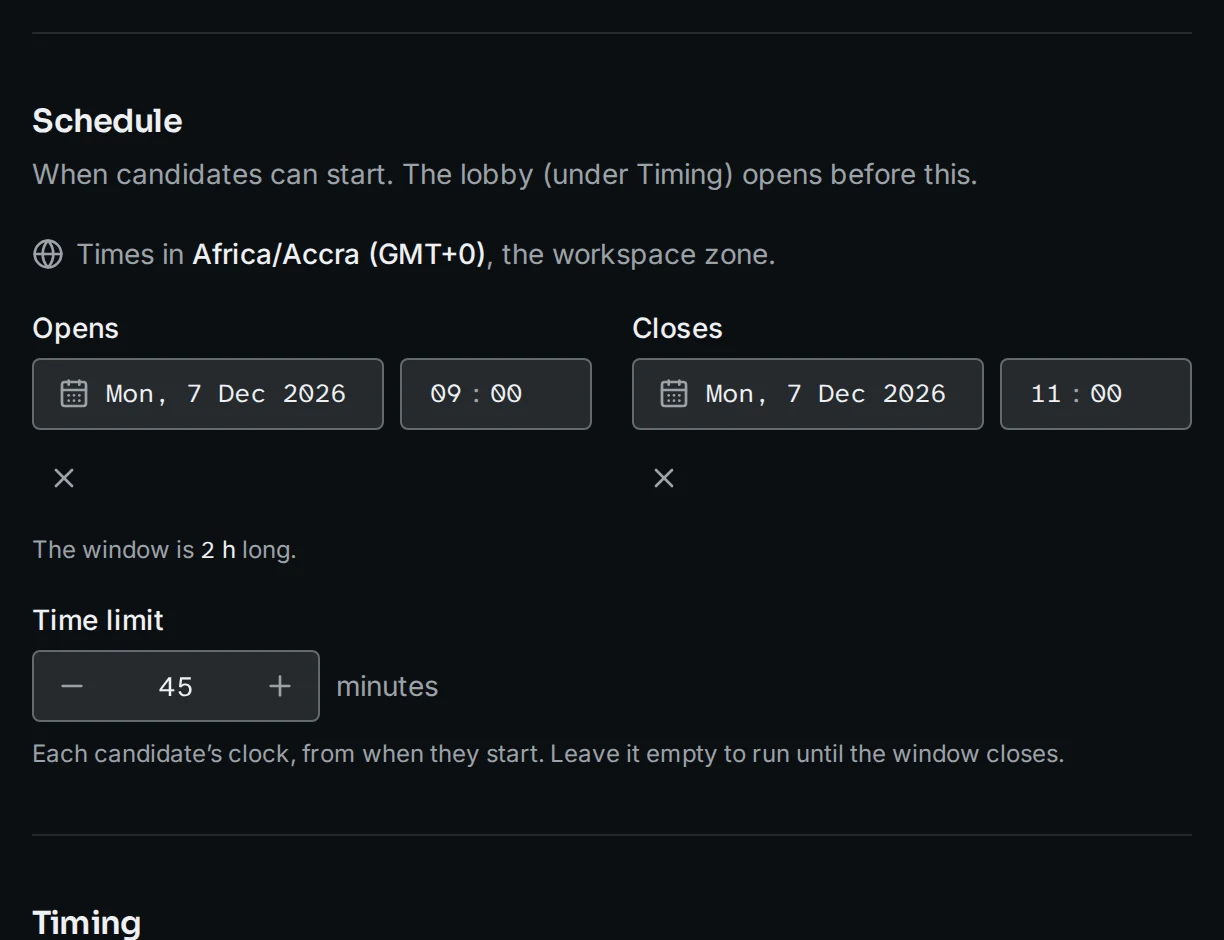
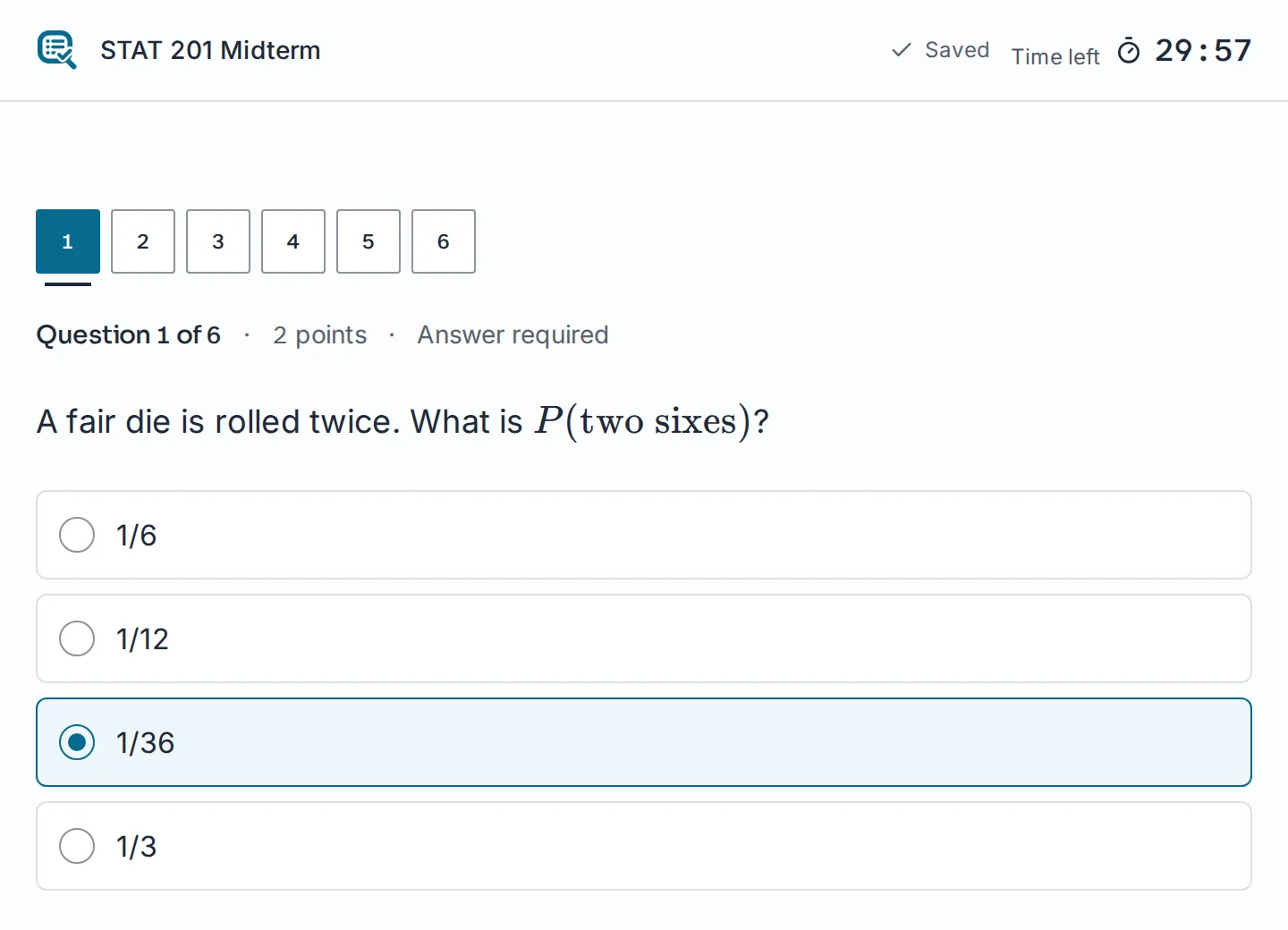
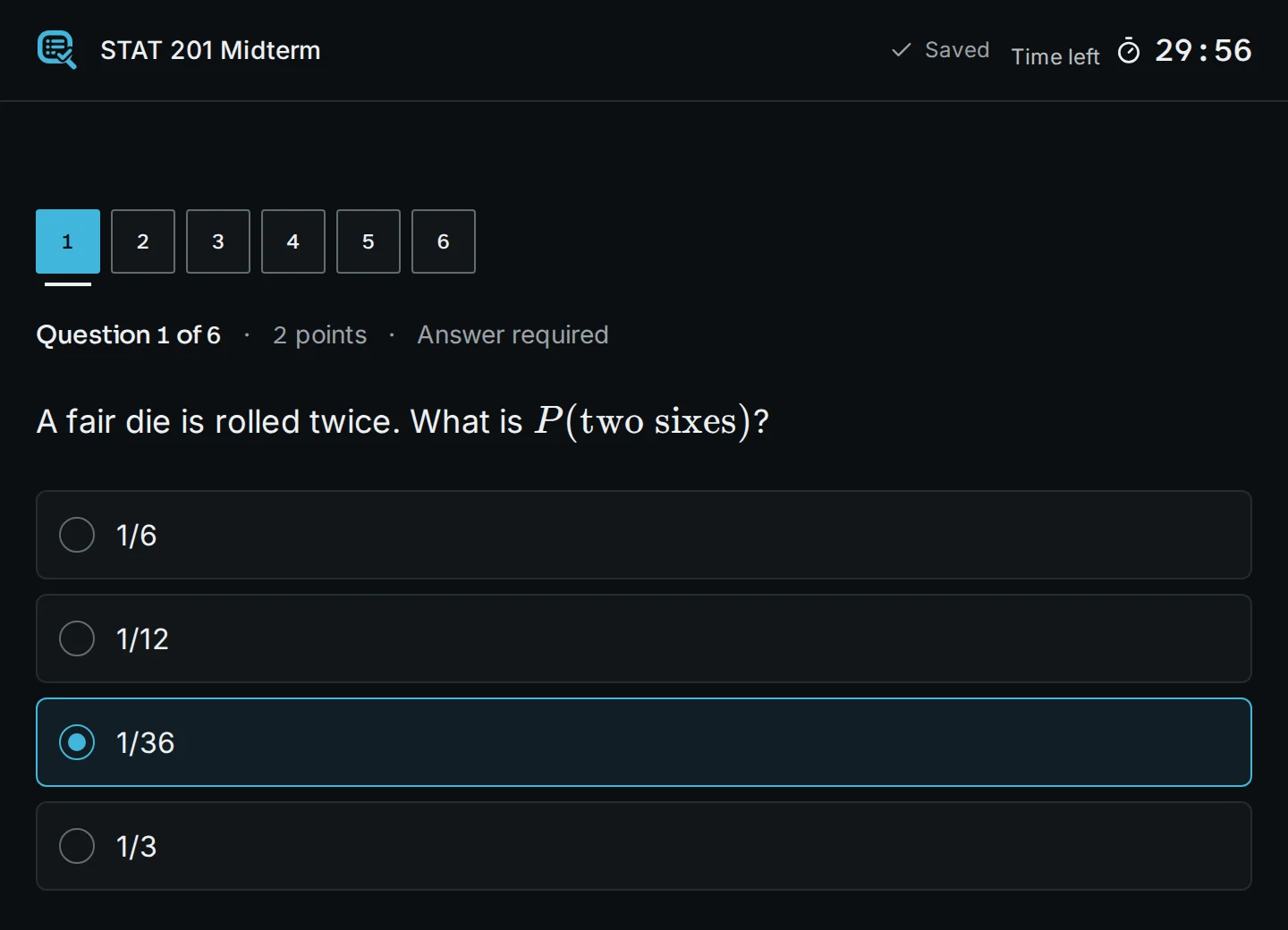
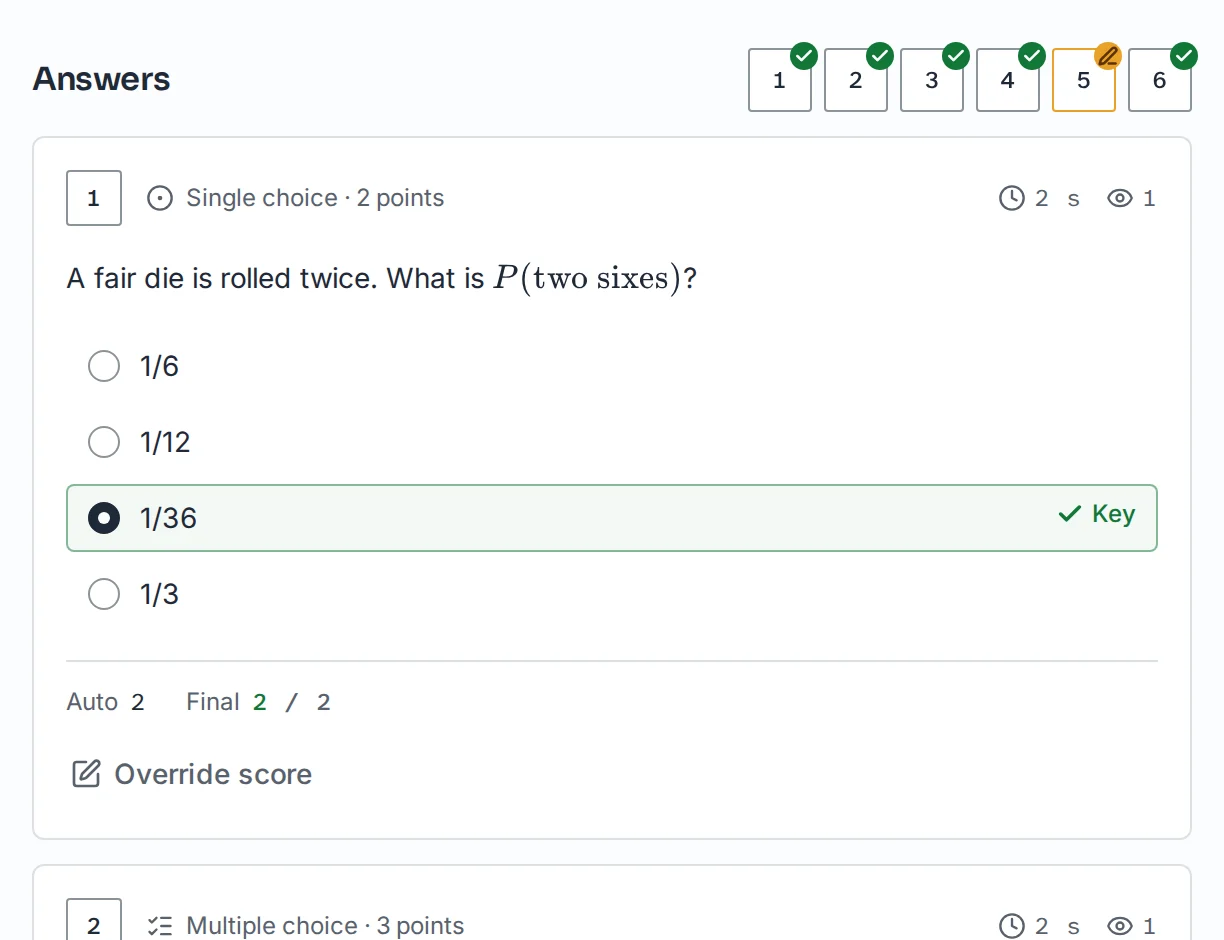
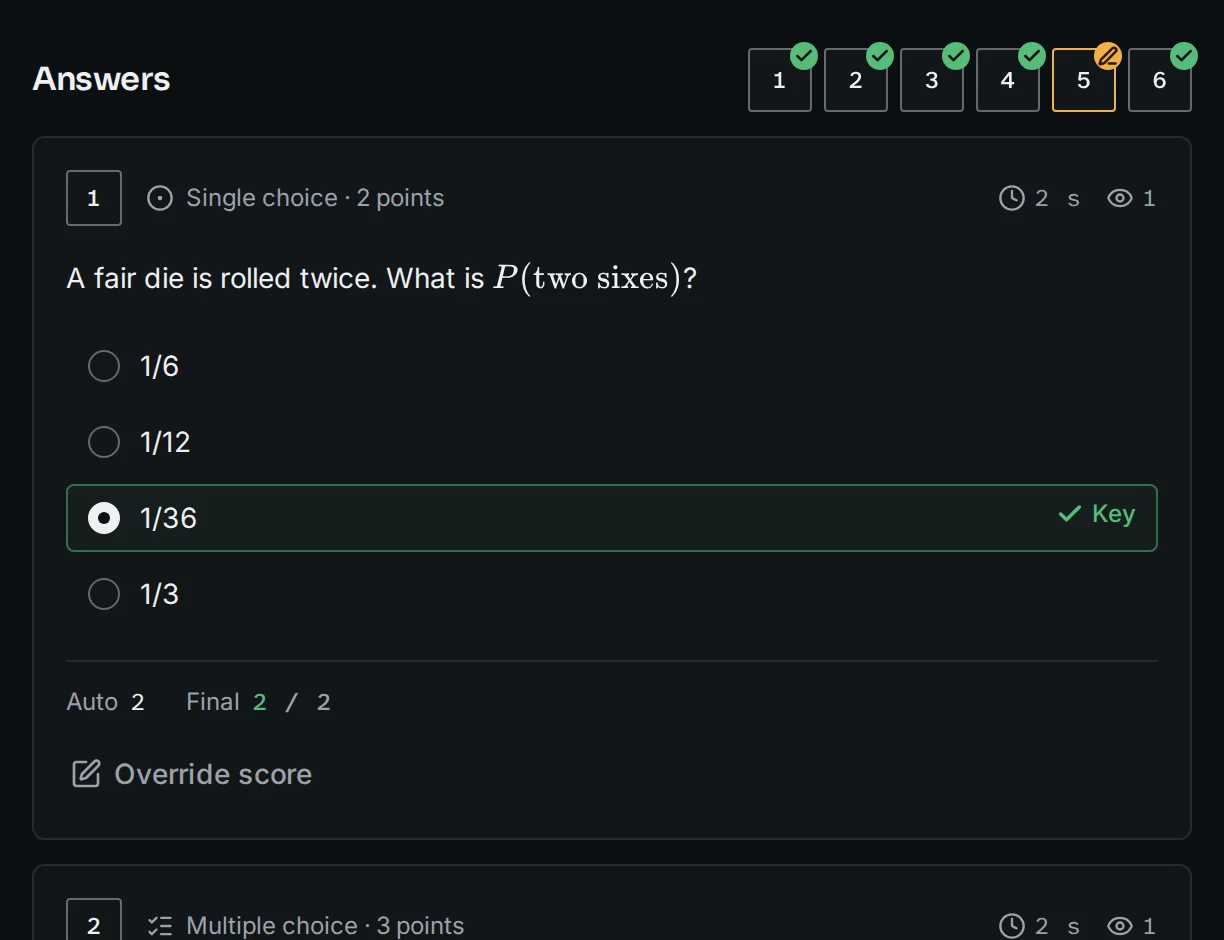
01 / 04 · Write
Type the question, maths and all.
Markdown and LaTeX in one box, with a preview a click away. Already have a sheet? Import the CSV or Excel file and fix the flagged rows before anything is saved.
Watch the room while it writes
Every candidate’s answer sheet updates as they work. You see who has started, how far along they are and how long each has left.
Tab and fullscreen exits
Logged on the candidate’s timeline as they happen, with the time and the question.
Extra time for one person
Extend a single candidate’s deadline without touching anyone else’s clock.
Dropped connections
A resume code brings a candidate back to the question they were on, answers saved.
Sample candidates. In the app this view updates live, without refreshing.
The details, handled
The small things that decide whether exam day goes smoothly.
- No candidate accounts
- Candidates identify with the fields you choose: student ID, name, email, anything.
- Access your way
- An open link, an access code, or a roster of allowed IDs you upload.
- Shuffled per sitting
- Question and option order can differ for every candidate.
- Maths that renders
- LaTeX in questions and options, typeset cleanly on every screen.
- Import and export
- Bring questions in from CSV or Excel; take submissions out the same way.
- Results by email or SMS
- Send automatically after marking, or release them once you have checked.
- Shared workspaces
- Invite colleagues as owners, editors or viewers of a course’s exams.
- Any screen, light or dark
- Phones, tablets and laptops, with time zones shown where they matter.